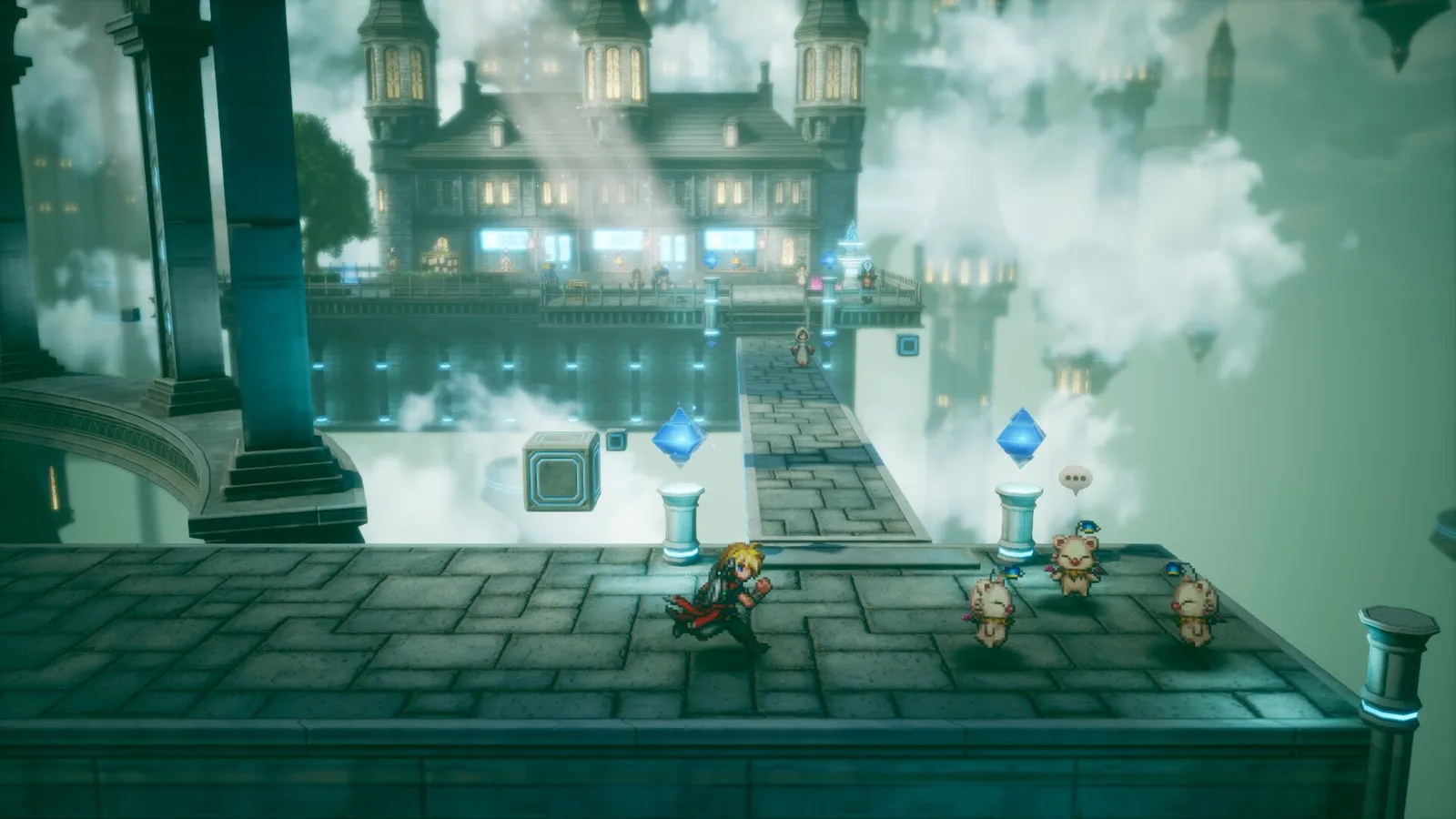
Yes, it runs on Steam Deck: Valve rates it Verified on Steam Deck and Steam Machine, and Playable on the SteamOS desktop. On PC you need Windows 11, 8 GB of RAM and 15 GB of storage.
Valve, category 2 of 3. Sources differ, see below.
Disk space
15 GB
Steam lists no separate SSD requirement.
Exclusive · Valve's own test items
What Valve checked
Below is Valve's report for each device, item by item. Pass items are checks the game cleared. Notes are things to know before you play; they sit alongside a Verified rating. The SteamOS desktop entry is the odd one out: its report lists that the game starts and is functional, plus the same two notes.
iNote: The first launch needs an active internet connection.
iNote: External controllers are not supported as the primary player's controller.
Our take
The two notes matter in practice. Do the first launch on Wi-Fi before travelling, and if you use a pad other than the Deck's own controls, expect it not to count as the main controller. Valve does not say what happens if you try anyway, and we have not tried it.
Valve API · 23 October 2026 Valve updates ratings over time. Valve categories: 1 Unsupported, 2 Playable, 3 Verified.
Headline: SteamOS, Steam Deck and Steam Machine Verified (2026-07-13).
How we handle it. We show Valve's current data and flag the difference. The Steam Deck result is Verified in both.
Is it "not verified" for Deck?
GameTrek
GameTrek's 2026-10-08 page said the game was not verified for Steam Deck. Valve's data now shows Verified, so that claim is out of date.
How we handle it. Valve is the authority on its own ratings. We name the stale claim so you can recognise it when you see it elsewhere.
What you are running
The target is 1080p
Steam's own targets are 1080p at 30 fps on Low for the minimum spec and 1080p at 60 fps on the highest preset for the recommended spec. On handheld the practical questions are frame rate and battery, covered below.
Minimum and recommended are almost the same machine. The difference is the AMD CPU and GPU model and the frame-rate target; the Intel CPU, the Intel and NVIDIA GPUs, RAM and storage match. Rows that differ are marked.
Steam lists the CPU and GPU models per vendor. Steam lists no separate SSD requirement.
The Steam build is Windows only: Steam lists Windows true, Mac false, Linux false. Linux handhelds run it through Steam's compatibility layer; Valve's rating covers SteamOS, Steam Deck and Steam Machine. Steam store
Our take
The two tiers are close, so the real choice is the frame-rate target: 30 fps on Low or 60 fps on the highest preset. Those are targets Steam lists for each spec, not benchmark results, and we have not measured either.
Steam marks English and Japanese as 'full audio support' and lists the other six as supported languages. Our capture of the store response carries only that list, not a per-language subtitle flag. A fan-wiki reading of the options menu (reported) says a Text Language setting covers menus and subtitles in all eight languages and the Voice Language setting offers Japanese or English. Fan wiki: options menu
Other people's measurements
What outlets measured on Steam Deck
These are single-tester notes from other outlets, with their own test conditions. Different build, different scene, different settings: do not read them as a benchmark of the game you will play. FFR Builds has not tested the game on a Steam Deck or any PC. Numbers above are attributed measurements by other outlets.
Conditions. Demo build (not the full game), Steam Deck, one tester, short session. Preset names as used by the author: High and Maximum.
On the High preset the demo almost always held above 60 fps and dipped into the 50s during heavy spell particle effects, with no major drops while walking around.
At the maximum preset it dropped into the 40s in the same combat animations.
The author's suggestion: maximum preset with a 40 fps cap on an LCD Deck or 45 on an OLED, with some shadow tweaks; or a High and Medium mix to stay at 60.
Caveat. The author says the full game may differ from the demo build.
Review of the PC version · published 20 October 2026
Conditions. Review of the PC version on a Steam Deck; reviewer's copy provided by Square Enix. Settings table as published by the site.
Runs at 60 fps with default settings, which default to High.
Capping at 45 fps with top quality settings cut battery drain to about 12 W from 18-19 W and extended battery life from roughly 2 hours to over 3.5 hours, according to the reviewer.
Power
11-15 W
Temp
60-65 °C
Battery
3.5-4 h
Reviewer's settings
FPS limit: 45
Refresh rate: 90 Hz
TDP limit: none
GPU clock: disabled
Scaling filter: Linear
Half-rate shading: off
Proton: no forced compatibility
In game: All quality settings raised to the top level (the site writes 'Ultra')
Caveat. The reviewer says 'Ultra' while our reading of the in-game options lists Low to Max; treat the label as the site's wording. Single tester, one scene mix.
Read 23 October 2026 The two tests agree on one thing: 60 fps is reachable at default or High, and capping near 45 fps trades smoothness for battery.
Not confirmed yet
Not verified
How the full game performs on Steam Deck, handheld PCs or desktop hardware in our own testing: we have not run it anywhere.
Whether Valve moves the SteamOS desktop rating from Playable to Verified. Valve's data and a July headline disagree today.
Official guidance on settings beyond the default configuration. Only third-party tests exist so far.
Whether either third-party test holds for later chapters; both cover limited scenes.
How we made this page
Compatibility results, PC requirements, controller support and languages come from Valve's compatibility report and the Steam store data, read on 23 October 2026. Performance notes are quoted from the outlets named, with their conditions, in our own words. We have not tested the game on any hardware, and nothing on this page is our own measurement.
Confirmed means Steam or the official site states it. Reported means press or a fan site does, not Square Enix. Our take is our own judgement. Where sources disagree we show each claim. See our sourcing rules.
Questions players ask
Is Final Fantasy Resonance Steam Deck Verified?
+
Yes. Valve's compatibility report, read on 23 October 2026, rates it Verified on Steam Deck (category 3 of 3) and on Steam Machine. Valve rates the SteamOS desktop as Playable (category 2). We have not tested it ourselves.
What are the PC system requirements?
+
Windows 11 64-bit, DirectX 12, 8 GB RAM and 15 GB of storage. The minimum targets 1080p at 30 fps on the Low preset (for example a GTX 1650 or Radeon RX 6400); the recommended spec targets 1080p at 60 fps on the highest preset. Steam lists no separate SSD requirement.
Does it work on Mac or Linux?
+
Steam lists the game as Windows only: Mac false, Linux false. On Linux handhelds it runs through Steam's compatibility layer, and Valve's rating covers Steam Deck, Steam Machine and SteamOS.
Do I need an internet connection on Steam Deck?
+
Only for the first launch. Valve's report notes that first-time setup requires an active internet connection. Do that step before you leave Wi-Fi.
What settings should I use on Steam Deck?
+
Official guidance is only the default configuration, which Valve found performs well. For tuning, two outlets published tests with their own conditions, shown above: one demo test on High, one review capped at 45 fps. They are single-tester notes, not our results.
Does it support a controller or DualSense?
+
Steam lists full controller support, DualSense support, Steam Input API support, a keyboard-only option and that the game is playable without timed input. Valve's Deck note adds that external controllers are not supported as the primary player's controller.